
Your scroll is the timeline.
Build native CSS scroll-driven animations visually. Click an element, stack fade, scale, parallax or blur, and copy clean CSS. No JavaScript, no libraries.
How it works
From markup to motion in three steps.
Bring your markup
Start from a preset or paste your own HTML. The live preview renders it in an isolated frame.
<section class="hero">Pick and tune
Click any element in the preview, stack effects and dial in exactly when they play.
animation-range: entry 0% cover 50%Copy the CSS
Grab production-ready CSS with unique keyframes. Paste it into any project, any framework.
animation-timeline: view();
Effects
Every demo here is driven by your scroll.
These previews use the same CSS the generator writes. Scroll slowly and watch them play forward, or scroll back up to rewind.
Fade
Fade elements in or out as they cross the viewport.
opacity: 0 → 1Scale on scroll
Grow or shrink an element over any scroll range.
scale: 0.55 → 1Parallax
Move layers at different speeds for depth.
translate: 0 1.5rem → 0 -1.5remBlur in
Pull content from soft to sharp as it arrives.
filter: blur(14px) → blur(0)Custom keyframes
Write your own @keyframes when the presets are not enough. Clip paths, rotations, colors, anything CSS can animate.
@keyframes your-own { … }
Under the hood
Scrolling moves the playhead.
.card {
  animation: reveal linear both;
  animation-timeline: view();
  animation-range: entry 0% cover 50%;
}

@keyframes reveal {
  from { opacity: 0; scale: 0.8; translate: 0 3rem; }
  to   { opacity: 1; scale: 1;   translate: 0 0;   }
}
Presets
Start from something that already moves.
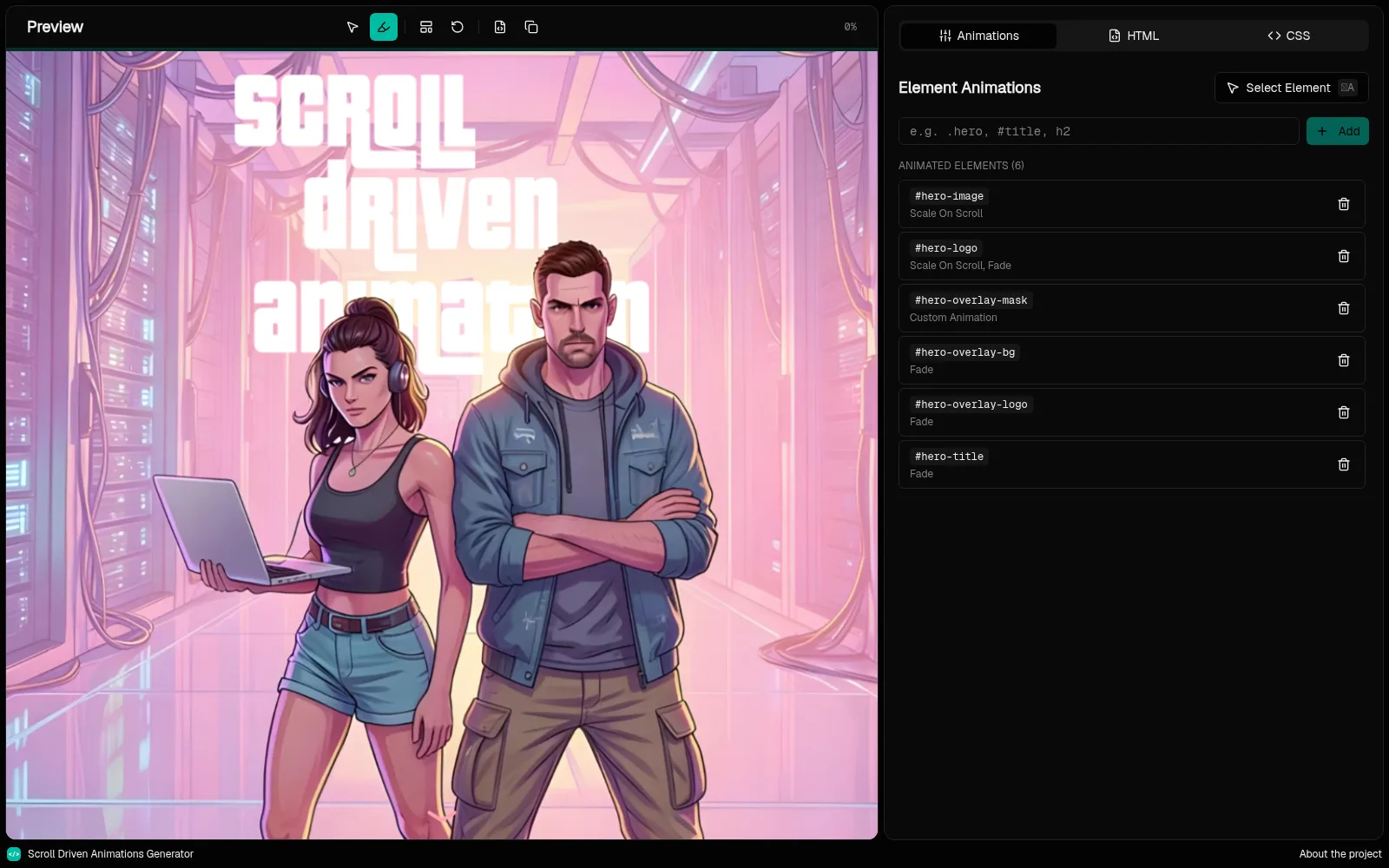
Cinematic hero
A GTA VI-style masked logo reveal over full-bleed artwork.
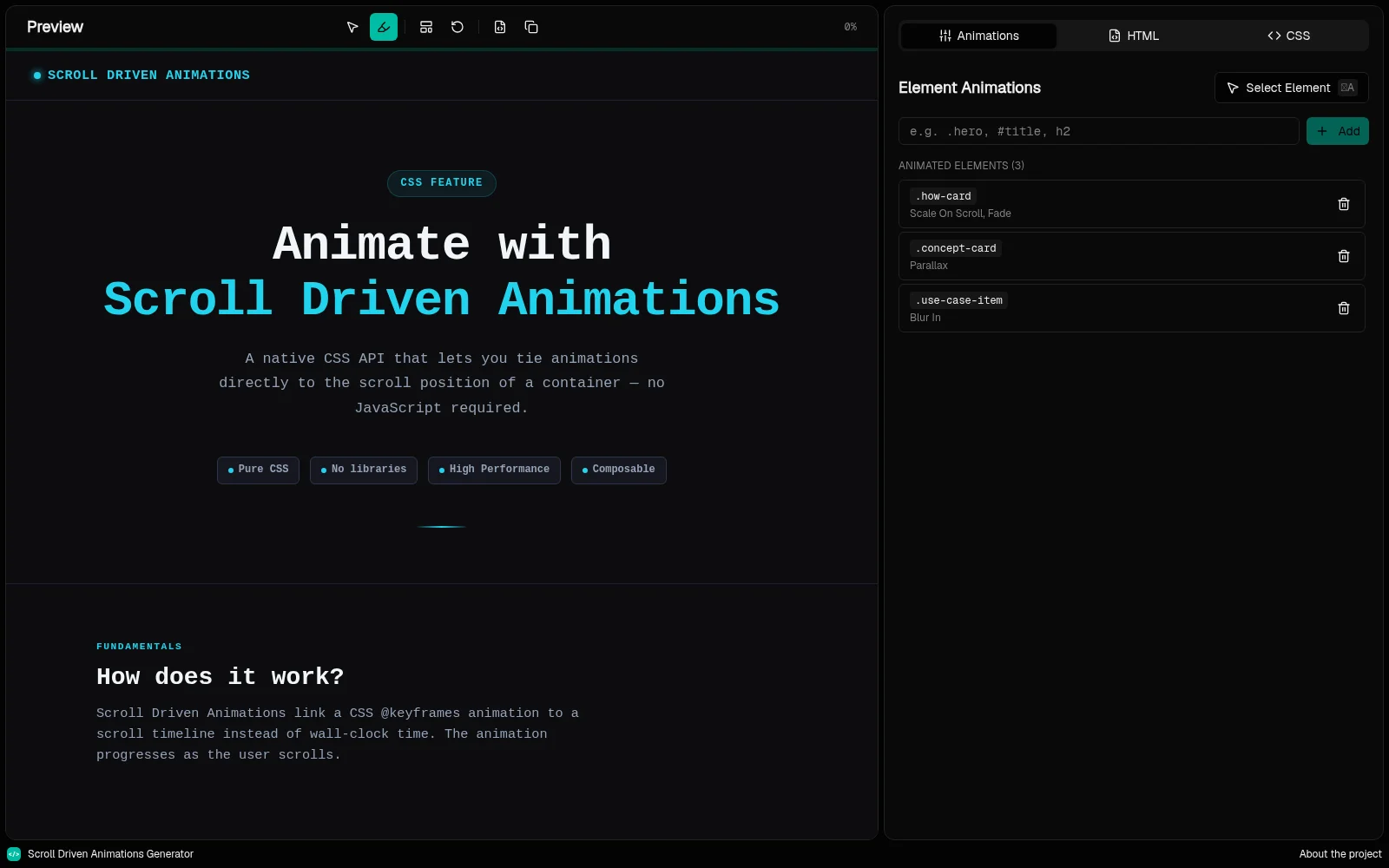
Scroll animations guide
A full landing page mixing fade, scale, parallax and blur.
Reverse scroll columns
Image columns where the outer two travel against the page.
Blank canvas
An empty page for your own markup.
Make your next page move. Keep it CSS.
Free, open source and runs entirely in your browser. Nothing to install, no account needed.
Open the generatorSupported natively in
- Chrome
- Edge
- Firefox
- Safari